CarPlay on your GM’s built-in display.

For select GM EVs with Google built-in. Compatibility depends on your vehicle and software.

How setup works
1

A simpler way to connect

A guided setup.
Your screen stays yours.

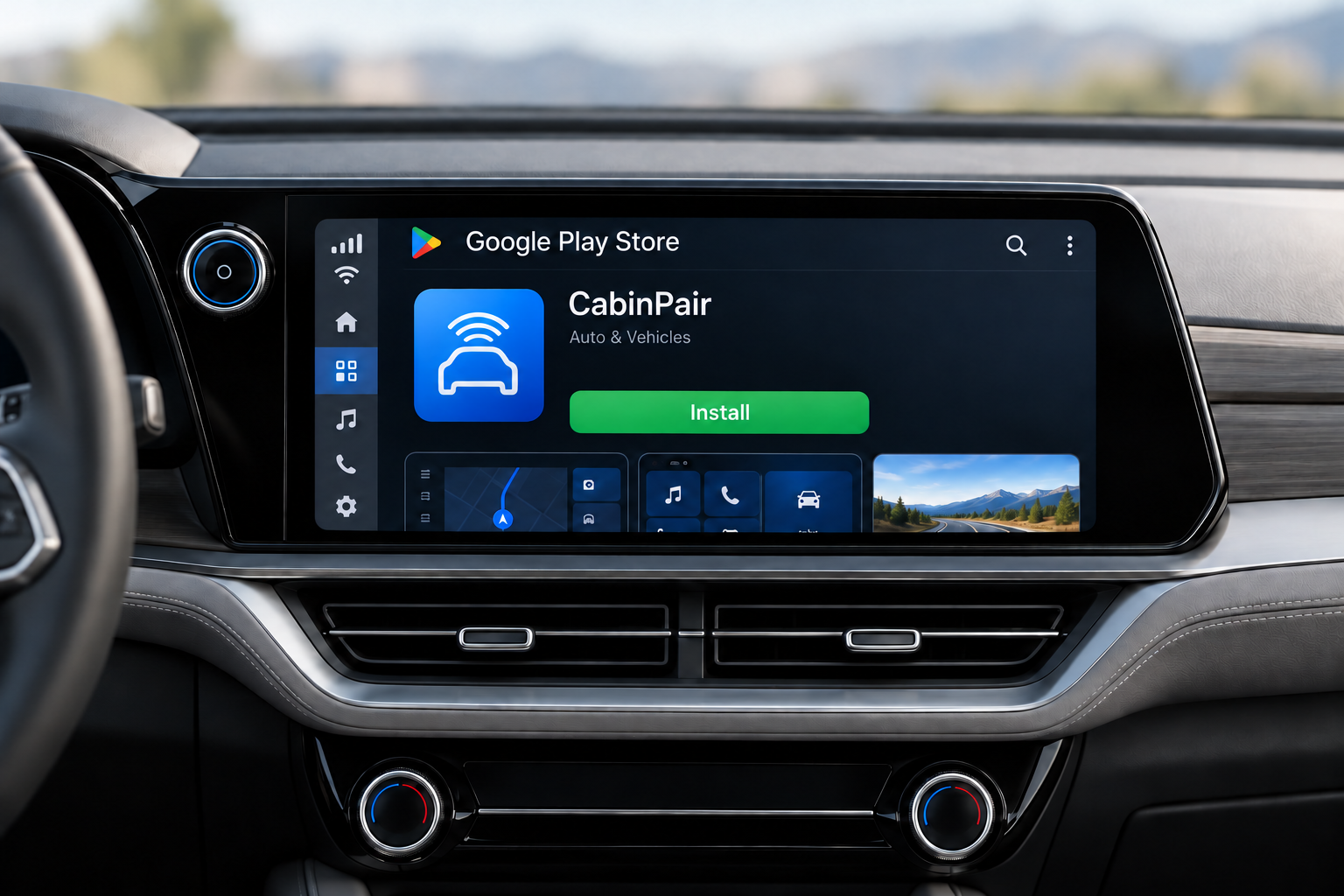
Illustrative Google Play mockup showing CabinPair and an Install button; not the live test listing
Illustrative screen · not live
2

01 / APP CONCEPT

A companion for your drive.

After you are accepted into the test group, download CabinPair from Google Play and use CarPlay functionality on compatible GM EVs.

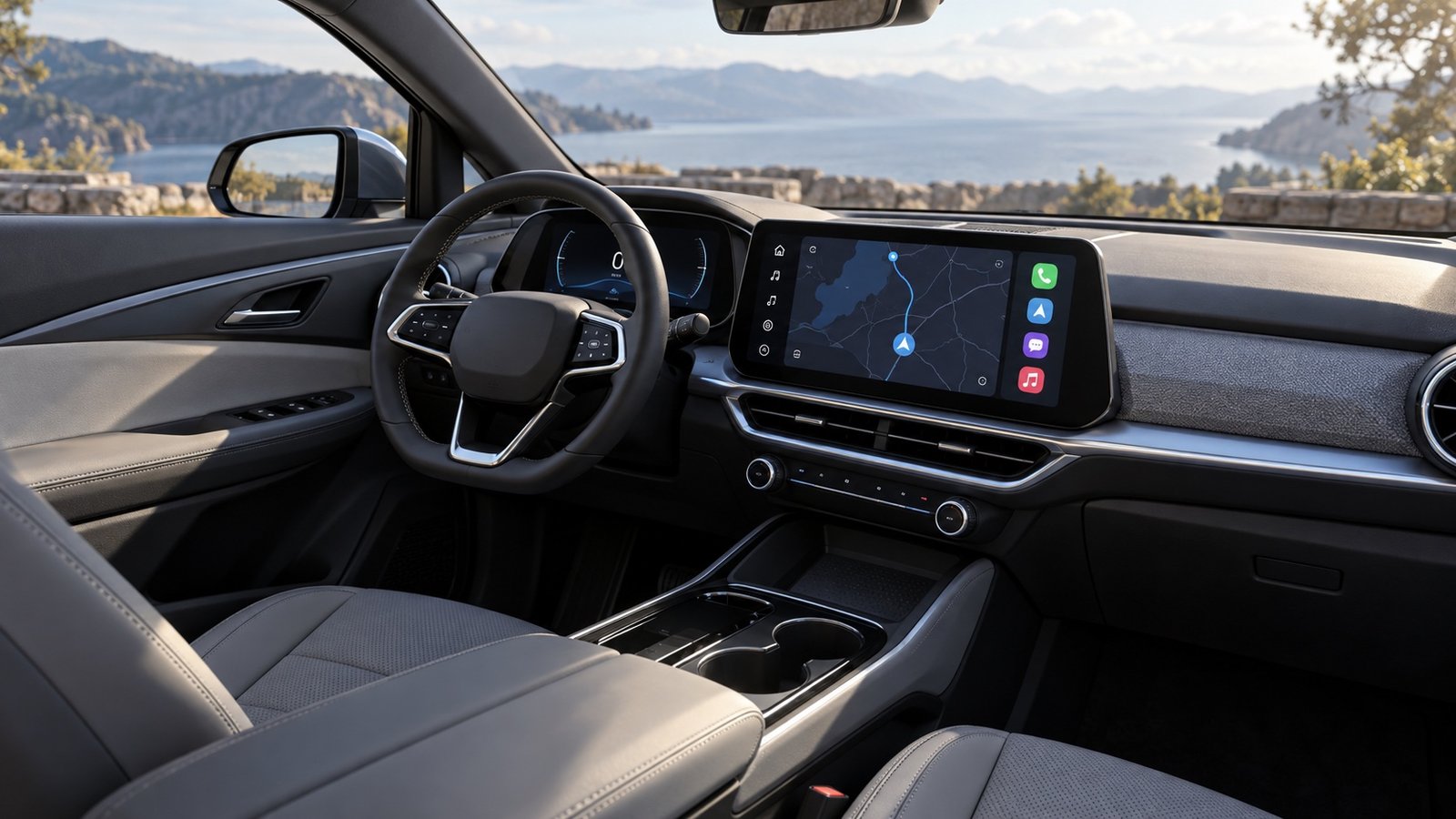
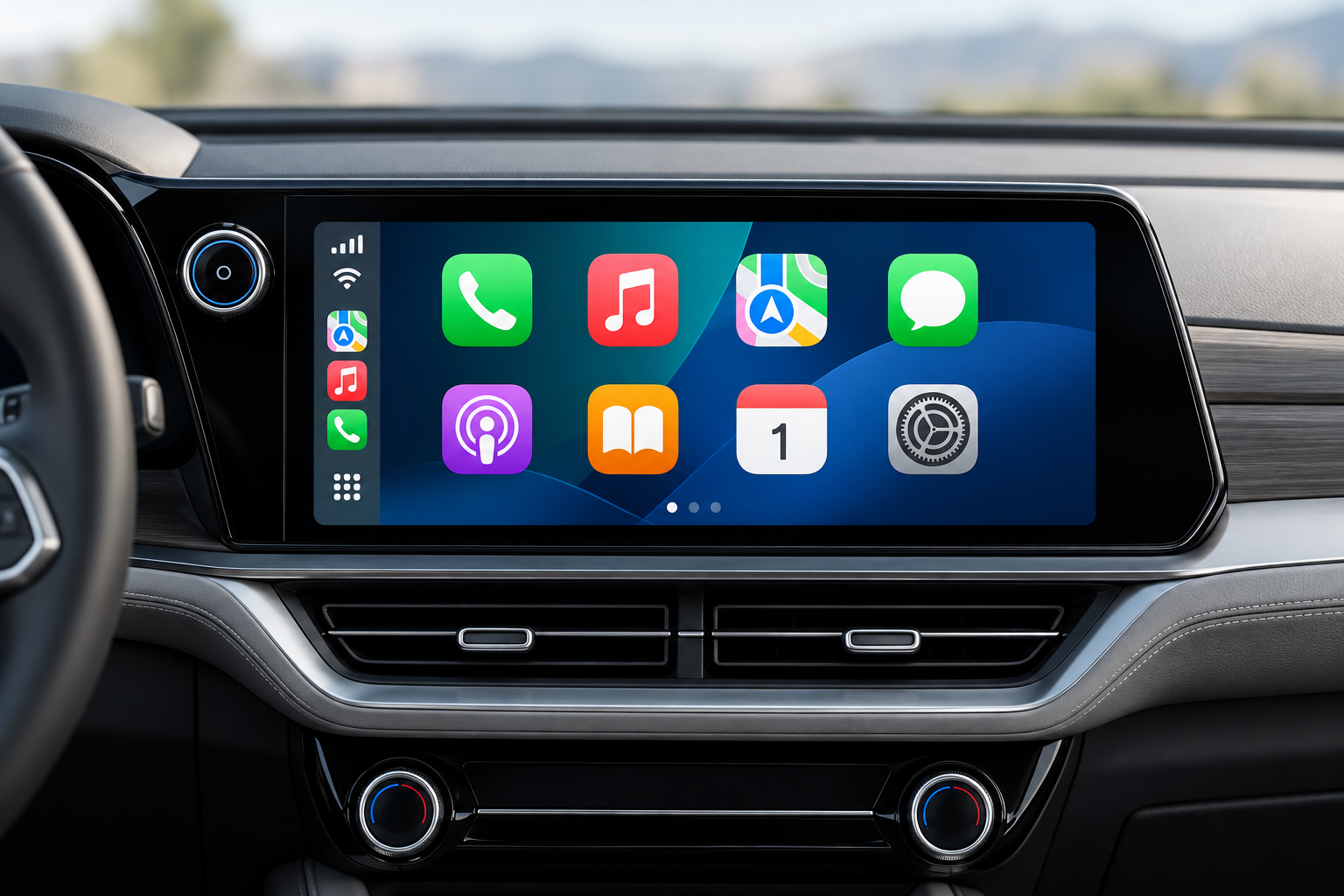
Illustrative vehicle infotainment display with a CarPlay interface 3

02 / EXPERIENCE

Your iPhone on your built-in display.

Guided CarPlay setup for select GM EVs with Google built-in. Start with a vehicle compatibility check.

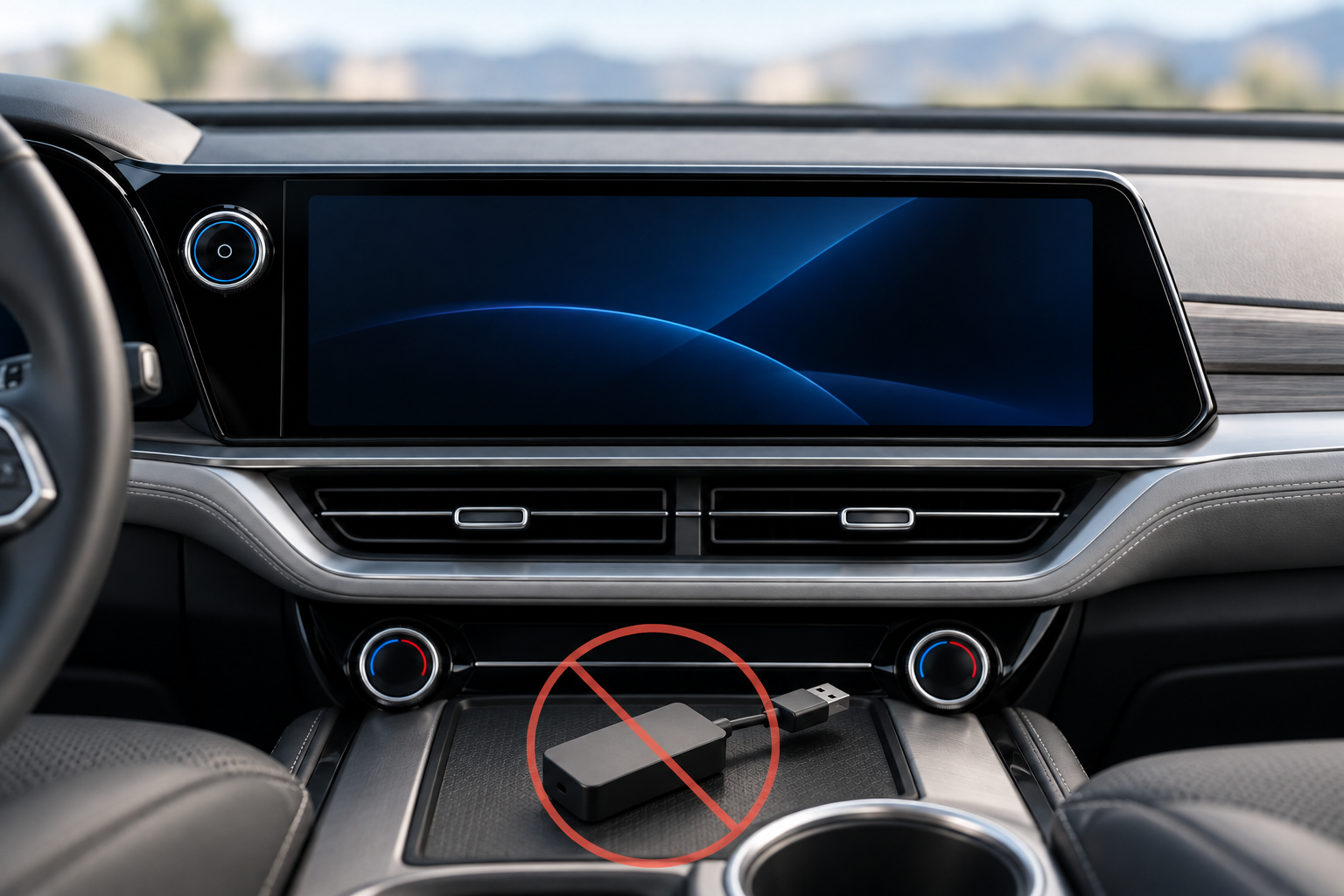
Illustrative vehicle dashboard with a separate dongle crossed out 4

03 / NO EXTRA HARDWARE

No dongle.

No separate dongle is needed for this guided setup path.

Made for your drive

Your iPhone.
Your built-in display.

CabinPair brings a CarPlay experience to the built-in display of select compatible GM EVs, connecting directly to your iPhone. Accepted Google Play closed test members can download CabinPair from Google Play.

Compatibility varies by vehicle configuration, region and infotainment software.

See vehicle concepts

A focused fit

Designed around
select GM electric vehicles.

Explore the vehicle families CabinPair is being developed for. Compatibility depends on your vehicle’s configuration and software, and has not been confirmed for every vehicle.

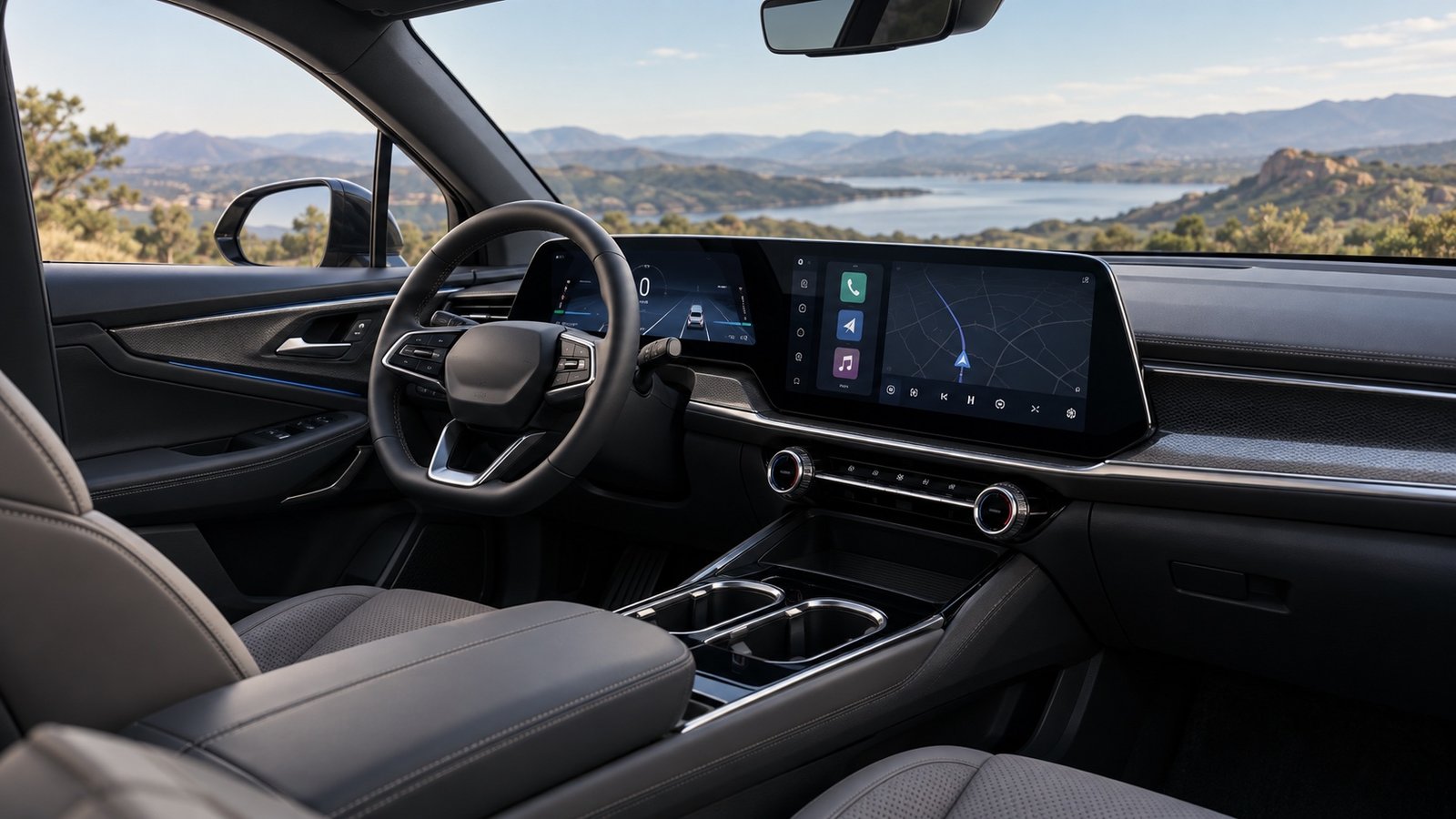
Illustrative AI-generated Chevrolet Equinox EV cabin concept

Electric SUV

Chevrolet Equinox EV

5
Illustrative AI-generated Chevrolet Blazer EV cabin concept

Electric SUV

Chevrolet Blazer EV

5
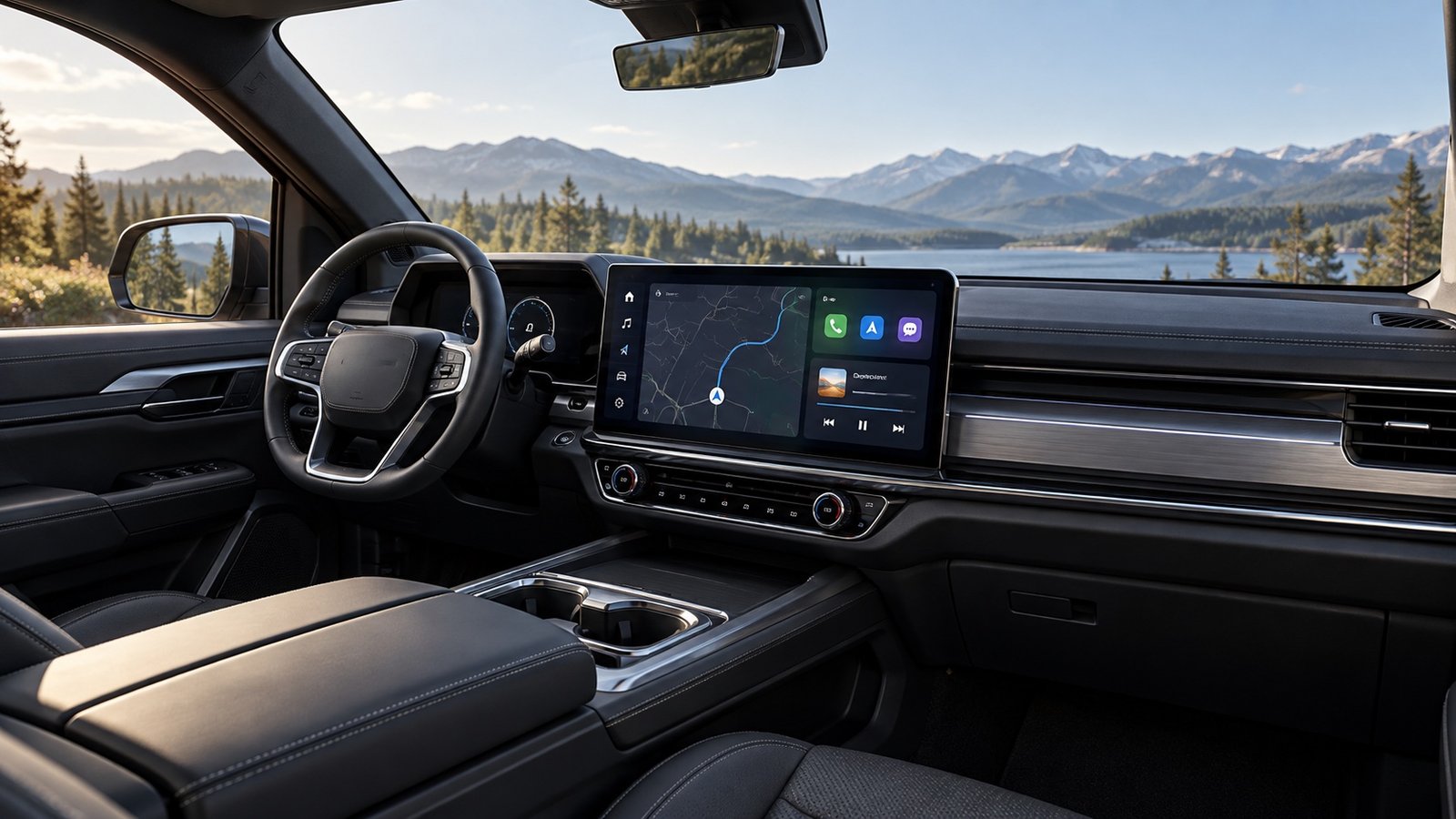
Illustrative AI-generated Chevrolet Silverado EV cabin concept

Electric pickup

Chevrolet Silverado EV

5

Built with tester feedback

Explore.
Connect. Share.

CabinPair brings CarPlay functionality to compatible vehicle configurations. Tester observations help us understand what works and where the experience needs attention.

  1. 01

    Tell us about your vehicle

    Share your model, year, region and infotainment software version.

  2. 02

    Join the Google Play test

    Once accepted into the test group, download CabinPair directly from Google Play and try CarPlay functionality on your compatible vehicle.

  3. 03

    Share what you learn

    Report issues and tell us whether you can provide photos of the in-car display for analysis.

Help shape CabinPair
Your experience can help
improve the connection.

Image notes

  1. Illustrative video. Compatibility varies by vehicle and configuration.
  2. Illustrative Google Play mockup with an Install button; it is not the live test listing. Accepted test group members can download CabinPair through Google Play.
  3. Illustrative CarPlay interface; appearance varies by vehicle and configuration.
  4. Illustrative no-dongle concept image; the adapter shown is generic.
  5. Vehicle images are illustrative AI concepts, not official GM photography. Vehicle names describe intended compatibility only. Availability varies by configuration and region.

CabinPair closed test

Join our tester program

Apply to join the Google Play test group. Once accepted, you can download CabinPair from Google Play and use CarPlay functionality on compatible GM vehicle configurations.

What selected testers can expect

  • After acceptance into the test group, download CabinPair from Google Play.
  • A direct way to share feedback with CabinPair and help inform improvements.
  • Bring CarPlay to your GM’s built-in display, connecting directly to your iPhone.
  • Receive CabinPair version updates at no charge while participating in the closed test.

What we ask from testers

  • Tell us your vehicle model, year, region and infotainment software version.
  • Provide the Google Play email address currently used in your vehicle; it is required to add you to the closed test group.
  • Let us know whether you are willing to share usage feedback and report issues.
  • Optionally provide in-car display photos that CabinPair can analyze.

Test group access follows acceptance and Google Play eligibility. Compatibility depends on vehicle configuration, region and software; participation does not indicate a public release date.

Click to join test group

This opens an application email. Review and send it yourself; test group access begins after acceptance.